REVERSE EMAIL LOOKUP TOOL

Email OSINT.
Look behind the email.

Use EmailOSINT to explore public accounts behind the email. Review available profiles, follow source links, and save your findings.

3 free lookups every dayNo card needed to start
Walk through an example
EMAIL INTELLIGENCEPublic sources

3 free lookups a day · Google sign-in required

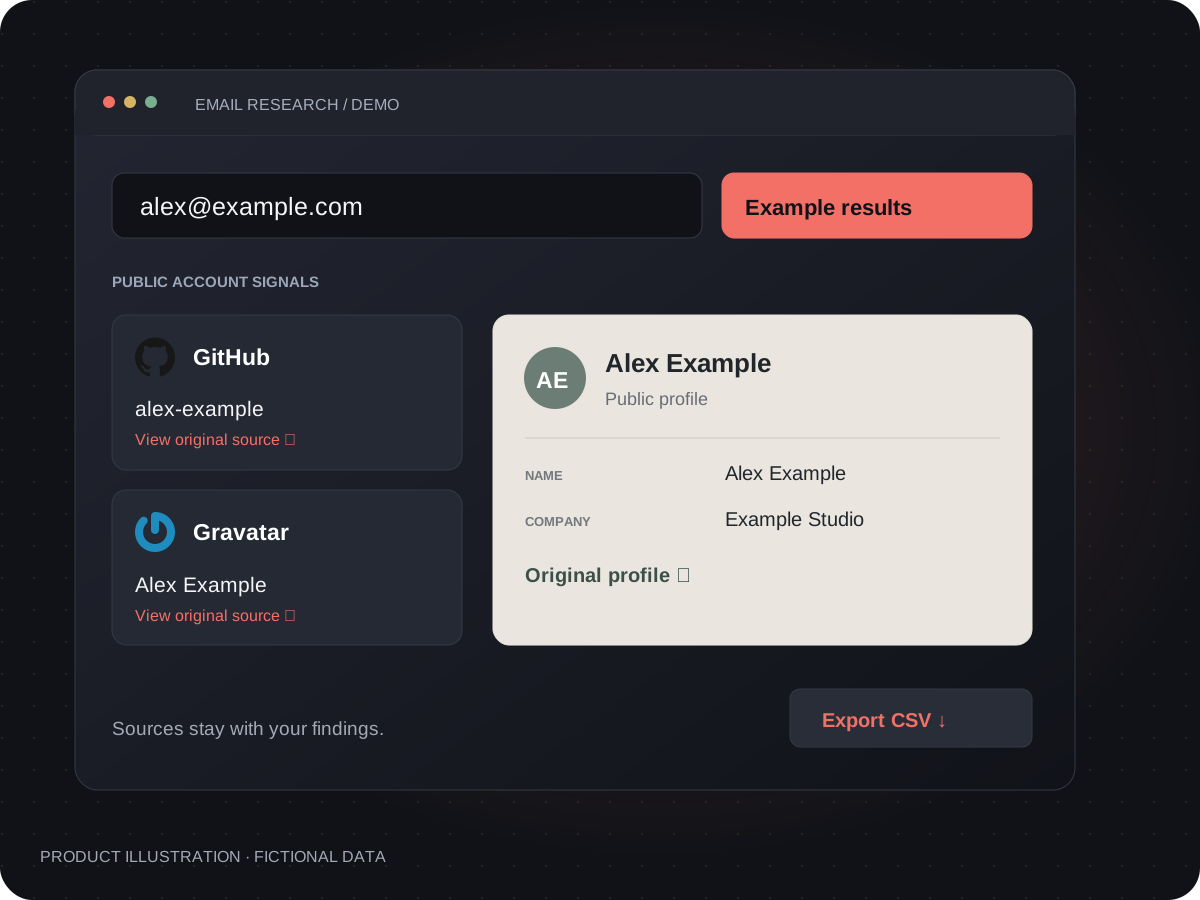
Illustrative email lookup dashboard with linked account cards, a public profile and source links.
Product illustration · fictional data

WALK THROUGH AN EXAMPLE

Reverse email lookup: from address to public profile

An unfamiliar business enquiry lands in your inbox. What is behind the email? Follow this fictional example to explore connected accounts, compare public profiles and decide what to check next.

Fictional email connected to platform cards: the first step is finding sources to check.
Interactive illustration · fictional data · no search is performed

THE QUESTION

Where can I check this email?

What you see
The sample address is connected to several account signals, each labelled by platform.
What it tells you
You have specific places to investigate instead of trying the same address on site after site.
Your next step
Start with a returned profile link. An account signal alone does not identify the person who sent the email.
Go to the email lookup →

A match is a lead, not proof of identity. No match does not mean an address is safe or unused. Available fields vary by source.

FROM ONE ADDRESS TO USEFUL CONTEXT

What can an email OSINT lookup reveal?

Start with an email address. Look for connected accounts, review the public details returned by each source, and keep a report you can revisit.

01 / FIND A STARTING POINT

Find accounts linked to an email address

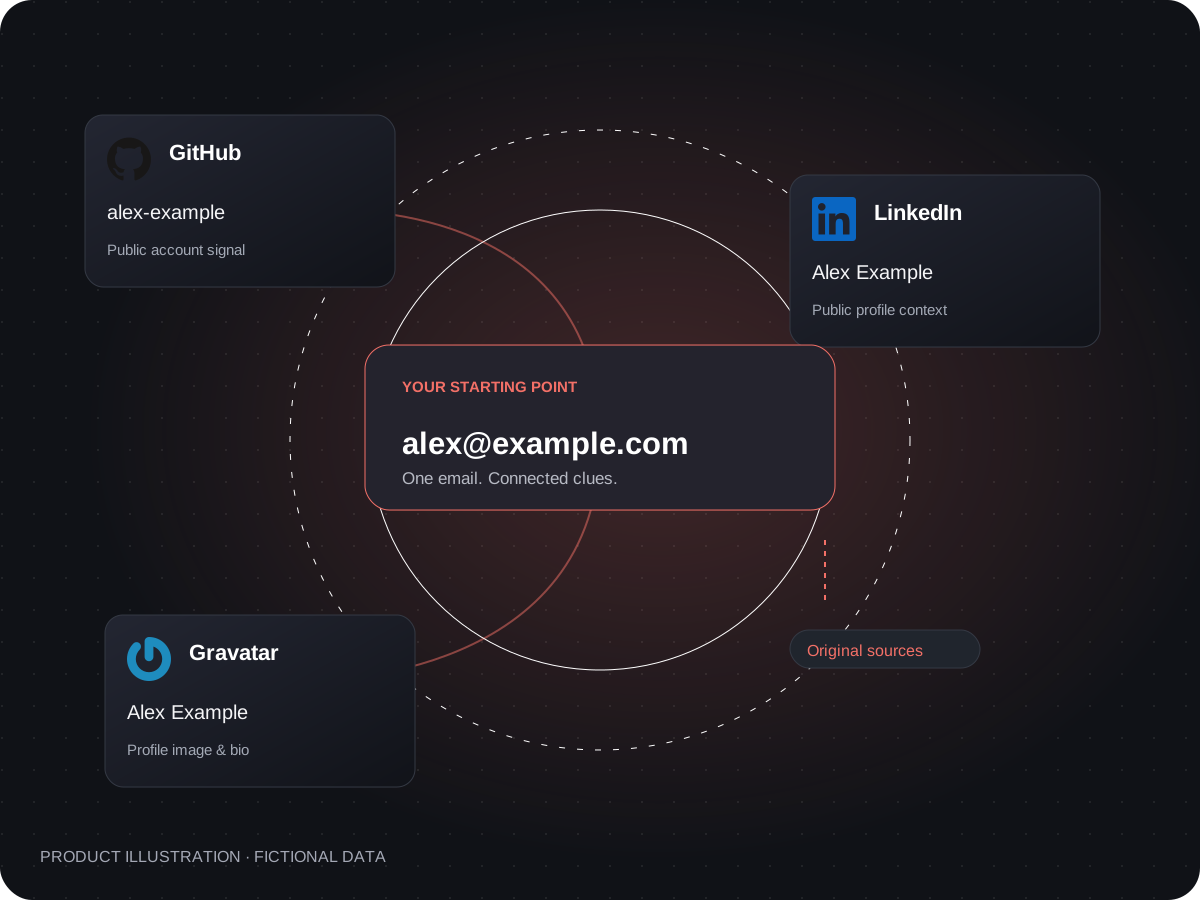
Looking for social media accounts or other online profiles? An email lookup brings together account signals from supported sources, so you have specific places to check. Results vary by address and platform.

  • See linked-account signals together
  • Follow the profiles worth checking
See what a result means
An example email connected to GitHub, LinkedIn and Gravatar account cards.
Product illustration · fictional data

02 / PUT THE CLUES TOGETHER

Review public profiles and social media clues

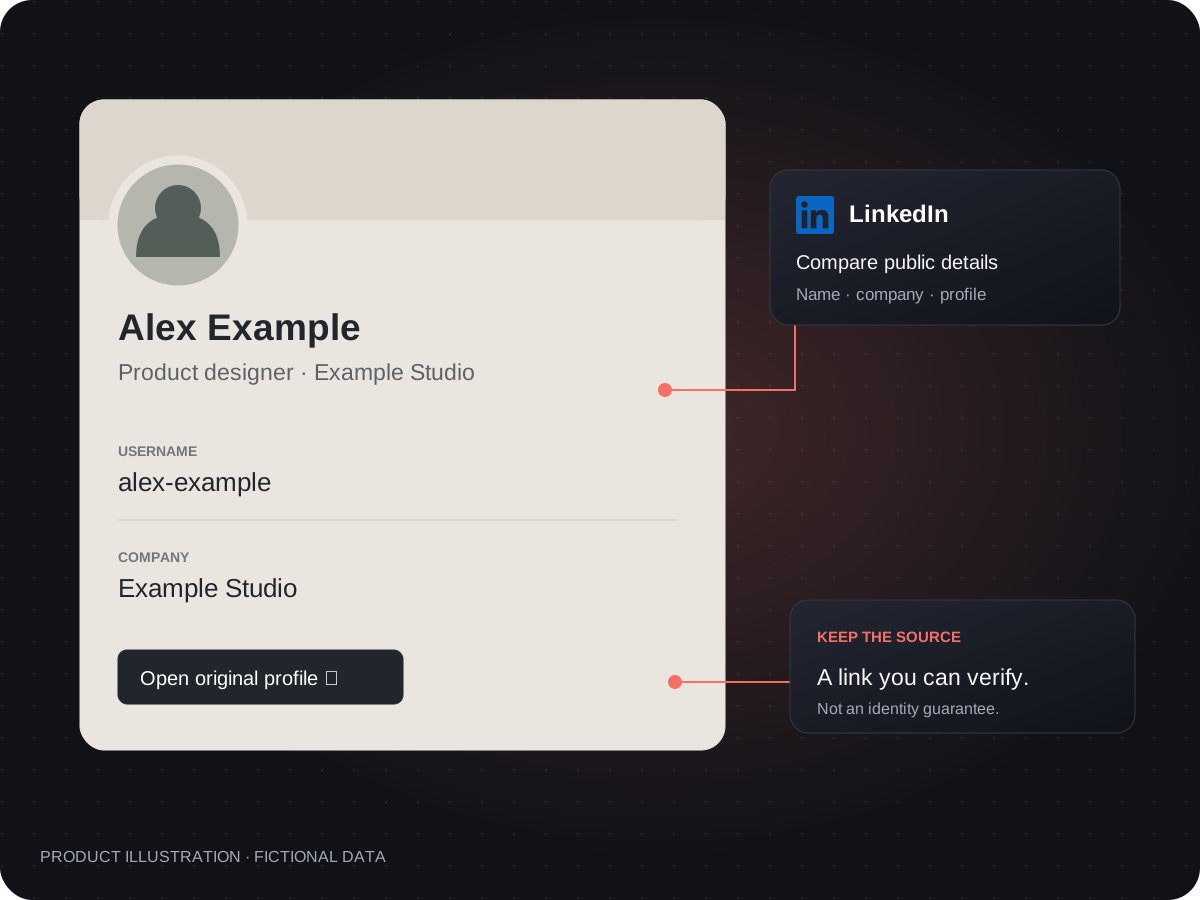
Compare available names, usernames, biographies and company details with what you already know. Follow returned profile links to check whether a possible match belongs to the person you are researching.

  • Review public details without switching views
  • Open the original source to verify
Learn how to verify a finding
A fictional profile card showing a name, username and company, connected to original source information.
Product illustration · fictional data

03 / KEEP WHAT YOU FIND

Export email lookup results as CSV

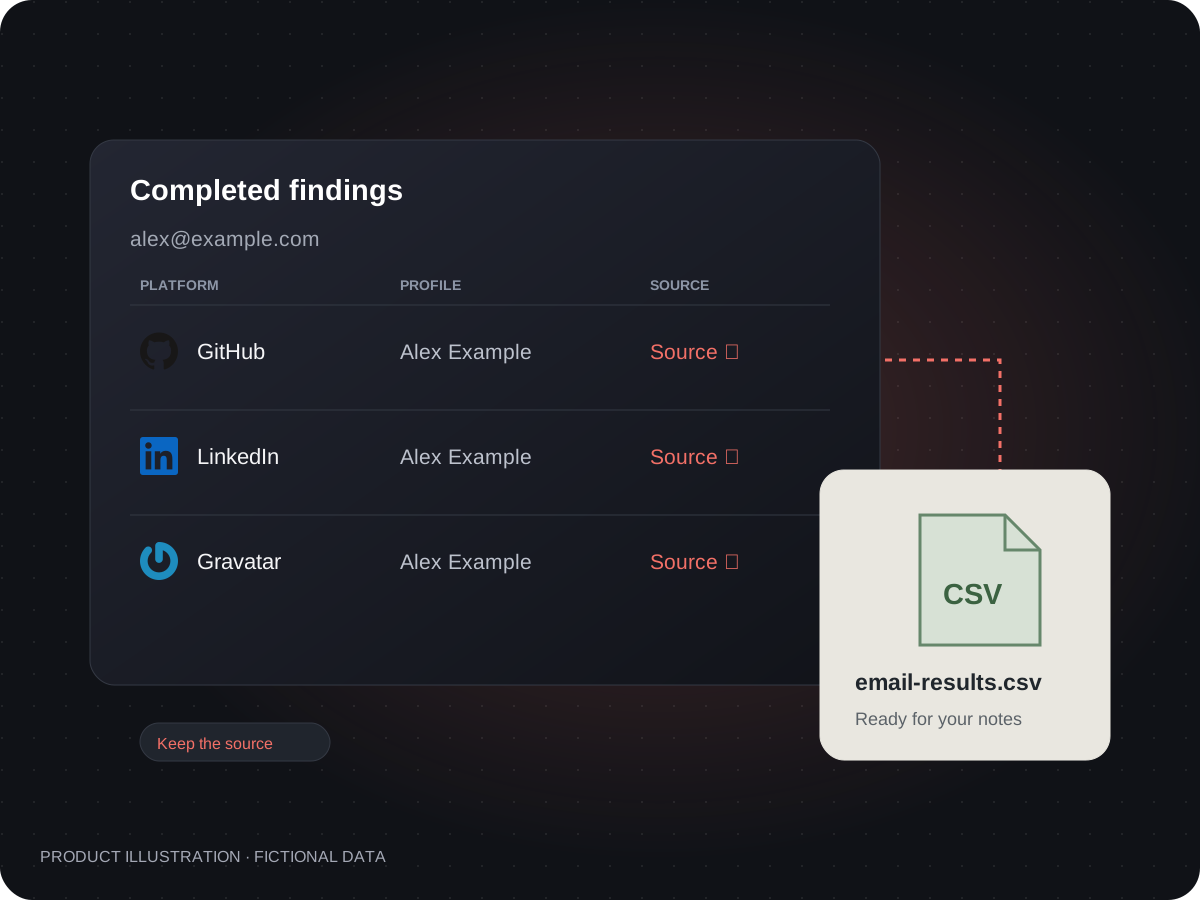
Turn a completed lookup into a CSV you can keep with your research notes. Carry the source links with the findings, not just a screenshot.

  • Save completed results as CSV
  • Keep your notes and sources connected
Understand the report
Illustration of completed account results becoming a CSV file with source columns.
Product illustration · fictional data
How to read this example

BEFORE YOU SEARCH

How to read an email OSINT report

A useful result is more than a list of websites. Here is how to read the information a lookup can return, and what to verify next.

Illustrative report · fictional data

An email. Three kinds of context.

alex@example.com

01

Account signal

Example developer platform

Association returned
What it means

A source returned an account signal for the address. This is a lead, not proof that a particular person owns it.

Your next step

Check the original profile before linking it to someone.

02

Public profile

Alex Example · Product designer

Optional context
What it means

A public profile may include a name, username, biography or company. Missing fields stay missing; they are not filled with guesses.

Your next step

Compare the details with information you already know.

03

Source & export

Original profile link + CSV record

Keep the source
What it means

Returned links help you revisit the evidence. A CSV keeps completed findings available for your own notes.

Your next step

Record your interpretation separately from the source's statement.

This is a teaching example, not a live search or a promise of coverage. Fields appear only when returned by an available source.

Try an authorized email

SEARCH. REVIEW. VERIFY.

How to run an OSINT search by email

01

Enter an email address

Sign in with Google, enter an email you own or have permission to research, and start your email OSINT search.

02

Review linked accounts and profiles

Compare the returned account signals, names and usernames. Open available source links to investigate possible matches.

03

Save your email lookup report

Cross-check the original sources, then export completed results as CSV. Keep your conclusions alongside the evidence.

START WITH YOUR QUESTION

Email OSINT for the questions you need to answer

Check your own digital footprint, research a business contact, or find public context for an unfamiliar sender. Start with an address you own or have permission to research.

01

Check your email digital footprint

The question“Which public accounts are associated with my email?”

What to look for

Review returned account signals and recognize which profiles belong to you. An old handle may be more useful than a familiar display name.

What to do next

Visit the original service to review your profile and privacy settings. No findings is not a complete privacy audit.

02

Research a business contact by email

The question“Does this contact's public profile fit the introduction?”

What to look for

Get more context about the contact behind the email. With their permission, compare available names, company details and public profiles with the introduction they shared.

What to do next

Confirm important details directly through a trusted channel. A profile match does not authenticate a message or approve a transaction.

03

Research an unknown email sender

The question“Is there public context I can independently verify?”

What to look for

Look for consistent account signals and original sources. Treat mismatches as questions to investigate, not a fraud verdict.

What to do next

Verify the sender independently before responding to sensitive requests. Do not use this tool as a phishing or identity guarantee.

Coverage, privacy and result limits

Read what a match, an empty result or a failed lookup can—and cannot—tell you.

KNOW WHAT YOU ARE LOOKING AT

Understand your email lookup results

Useful research includes knowing what the evidence cannot establish.

A match appears

Read the source and compare context. Shared names, recycled addresses and outdated profiles can make an association misleading.

No findings appear

The available sources returned no findings for that lookup. It does not prove the address is unused, private or safe.

The lookup fails

A technical failure is not a negative result. Read the displayed status before deciding whether to retry.

Designed to help you

  • Review supported public account signals
  • Inspect details that a source actually returns
  • Follow source links and export completed findings

Not a promise of

  • A verified identity or complete internet history
  • Private messages, passwords or phone searches
  • An AI risk score, legal verdict or background check

CHOOSE BY FREQUENCY, NOT HYPE

Start with free email lookups

Use the free allowance to see whether the results help. Upgrade for more lookups, not a promise of more matches.

Prices below are in USD. Annual payment is billed upfront: Pro $230.40/year; Business $470.40/year. Lookup allowances remain monthly. Applicable taxes are shown at checkout.

STRAIGHTFORWARD PRICING

Email lookup plans and pricing

Daily free searches and paid plans with clear monthly allowances.

Free

$0

For occasional public account signal reviews

  • 3 lookups per day
  • Public-signal result view
  • Source context and coverage limits

Business

$49 / month

For small businesses with higher monthly lookup needs

  • 250 lookups per month
  • Public-signal result view
  • Source context and coverage limits

Paid plans renew automatically. Manage or cancel your subscription from your account. Applicable taxes are shown at checkout.

FAQ

Email OSINT and reverse email lookup FAQ

Get in touch
What is EmailOSINT, and how does an email OSINT search work?

EmailOSINT is a tool for researching an email address using available account signals and public profile details. In an OSINT search, email addresses can provide a starting point for finding connected accounts. Enter an address you own or have permission to research, review the results, and verify the original sources.

How do I find accounts linked to my email?

Enter your own email address in the lookup tool and review the returned account signals. Open available profile links to check which accounts belong to you. To find additional registrations, also check your saved logins and welcome emails; no email lookup provides a complete list of your accounts.

What can someone find with my email address?

Depending on the sources available, an email address may lead to account associations, public names, usernames, biographies or profile links. Search your own address to review the returned digital footprint, then visit each original service to check your privacy settings.

Is this email OSINT tool free?

Sign in with Google for three free email lookups per day. The daily allowance resets at 00:00 UTC+8. Paid plans add monthly lookups; they do not guarantee a match.

Can I find social media accounts by email?

A lookup may return account signals and public profile links from supported sources. It cannot find every social media account, and a registration signal does not always include a profile URL. Review the source before treating a result as a match.

Can I find out who is behind the email?

A reverse email lookup may return names, usernames and public profiles that help you research a possible owner. Compare those details with the original sources. A match does not verify ownership or prove who sent a message, and some addresses return no findings.

What is the difference between email lookup and email verification?

A reverse email lookup searches for account associations and public profile information. Email verification checks whether an address may receive mail. This tool focuses on research; it does not promise inbox deliverability or sender authentication.

Can I search phone numbers or leaked passwords?

This site focuses on email lookup and public profile information. It does not offer phone searches, leaked passwords, or access to private messages.

Can I download my findings?

Yes. Signed-in users can export completed results as CSV. Reports belong to the account that requested the lookup.

How is my search handled?

The email is sent to the lookup provider after your permission confirmation. Lookup records are saved to your account to support status recovery and exports. See the privacy policy for details.

Does an email match prove who sent a message?

No. An account association is not sender authentication or proof of identity. Open the source, compare the context and verify sensitive requests through a trusted channel.

Will the person know I searched their email?

Do not assume a lookup is anonymous or invisible. It sends the address to a third-party provider, and we do not guarantee how every source handles that request. Only submit addresses you are authorized to research.

Does a paid plan guarantee more information?

No. Paid plans provide additional lookup allowance. Coverage and returned fields still depend on the address and available sources; payment does not guarantee a match.

How do cancellation and payment issues work?

Plans renew automatically until cancelled. Subscription management is available from your account when billing is enabled. A cancelled checkout is not a completed payment. Contact support about a charge or refund; this page does not promise automatic refunds for failed or empty lookups.
Look behind the email with EmailOSINT

Start with an address you are authorized to research. Discover available account connections and public profile details, then decide what to verify next.

Search an email address